Clarus AI
An exploration of what it means to work for your energy
Context
Using AI often feels as simple as typing a prompt and clicking a button... or at least that’s what we’ve come to expect.
With technology rapidly expanding, the energy required to sustain it grows alongside it. In response, my partner Jiyoon and I wanted to create an interactive installation that encourages participants to recognize the energy needed to generate the answer behind every AI prompt.
- Median Energy Consumption per Prompt
- 0.24 watt-hours
- Median Water Consumption per Prompt
- 0.26 milliliters of water
- OpenAI receives
- 2.5 Billion Prompts
Sources: Mit Technology Review, Extremetech
Sketching & Ideating
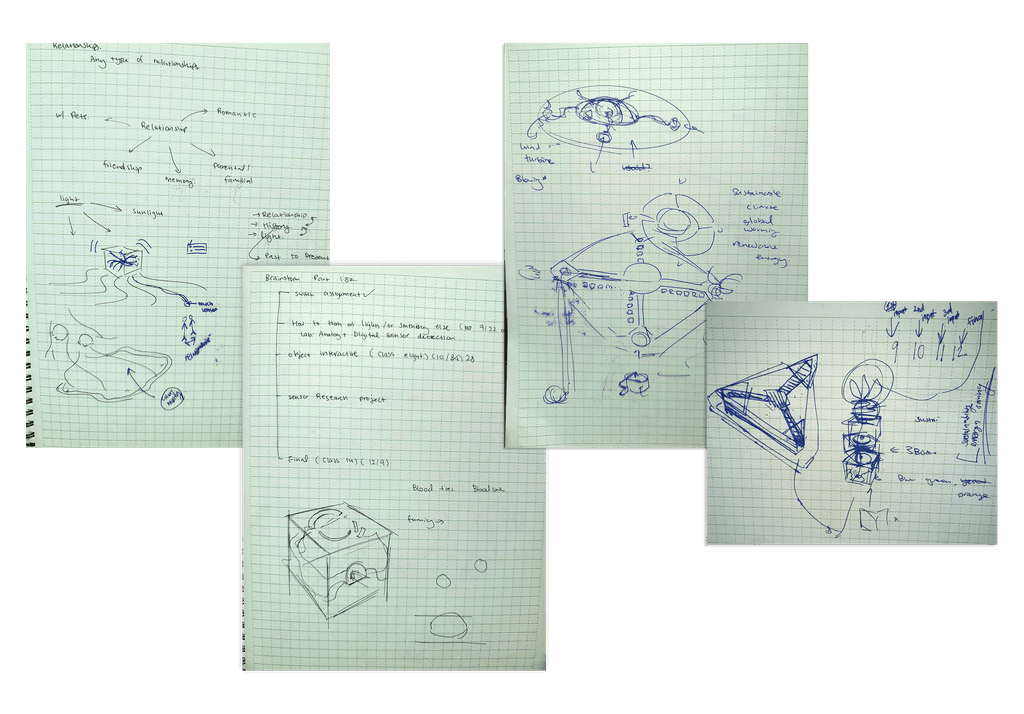
Lots of sketches…
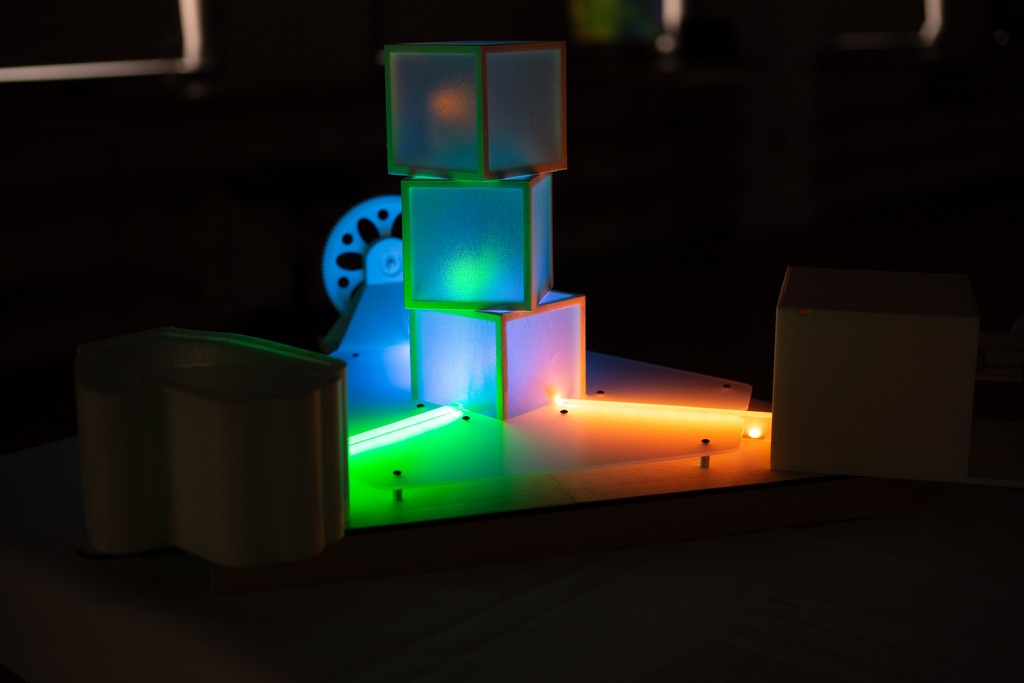
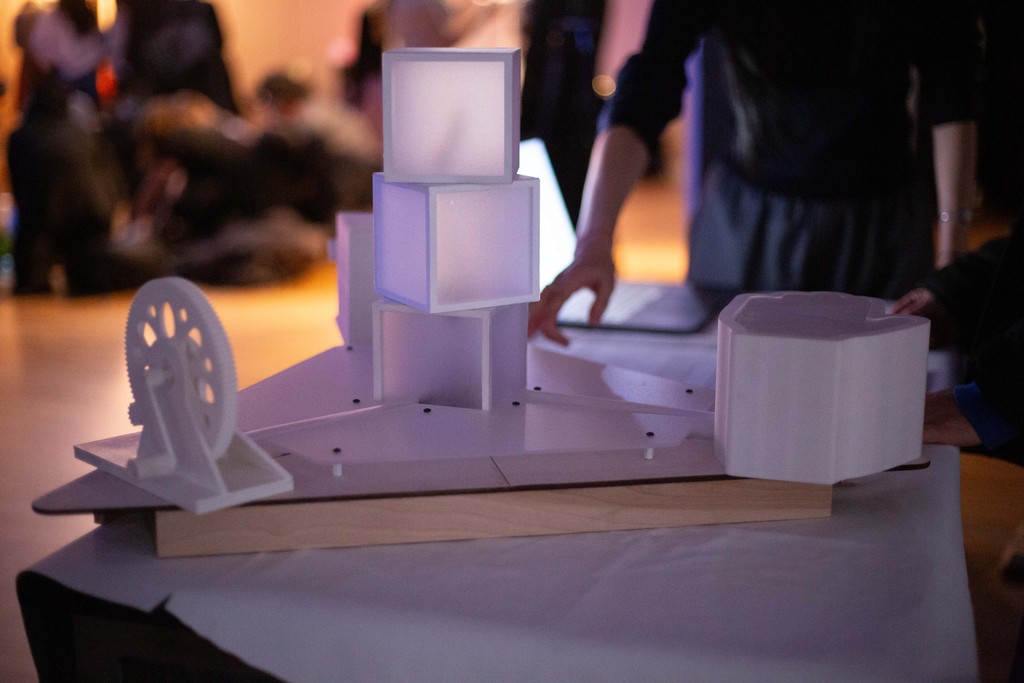
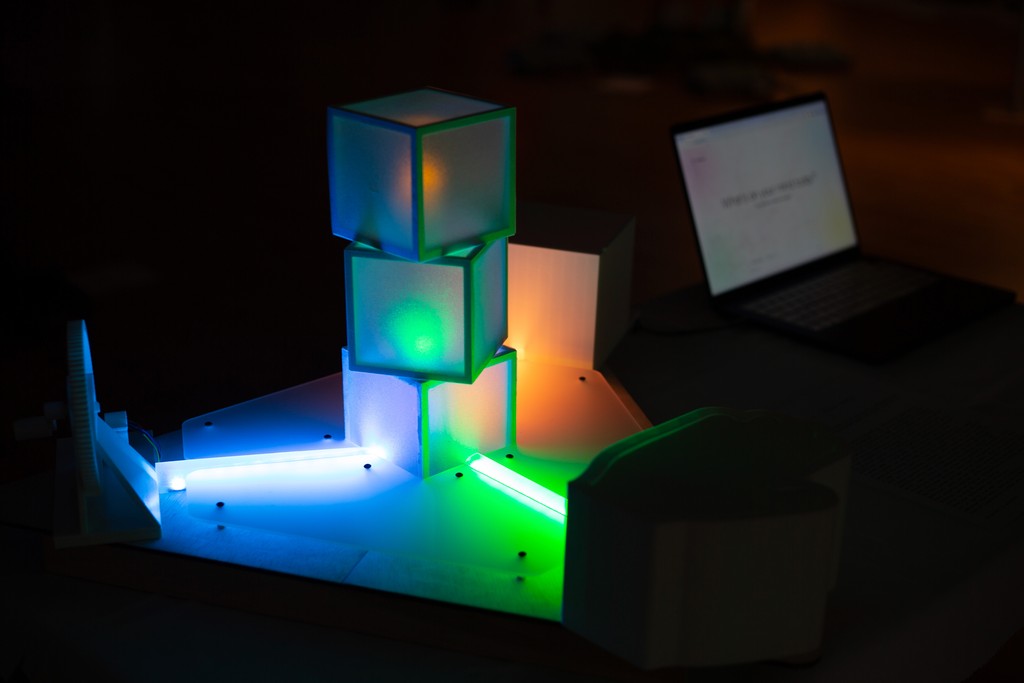
We slowly narrowed our focus, moving from broad ideas like sustainability and energy toward a clearer, more concrete direction. We landed on the idea of having the users generate energy themselves using three different types of mechanical movements, such as churning or pushing. The energy will be used to generate the responses for the LLM, providing insights as to the physical work behind every usage.
Prototyping
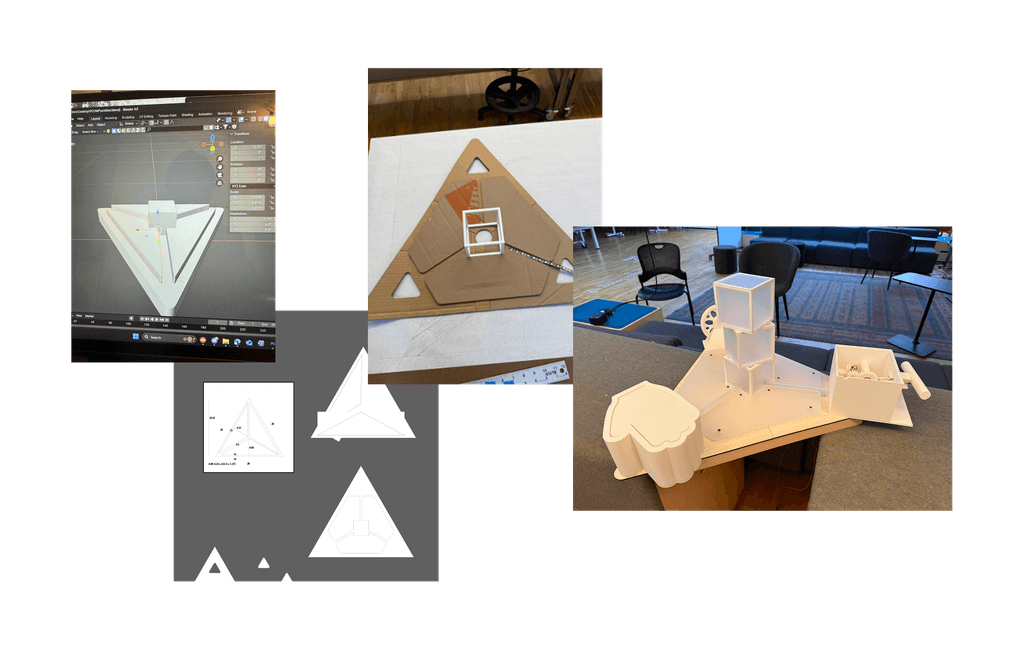
3D print prototype, then cardboard, then actual parts
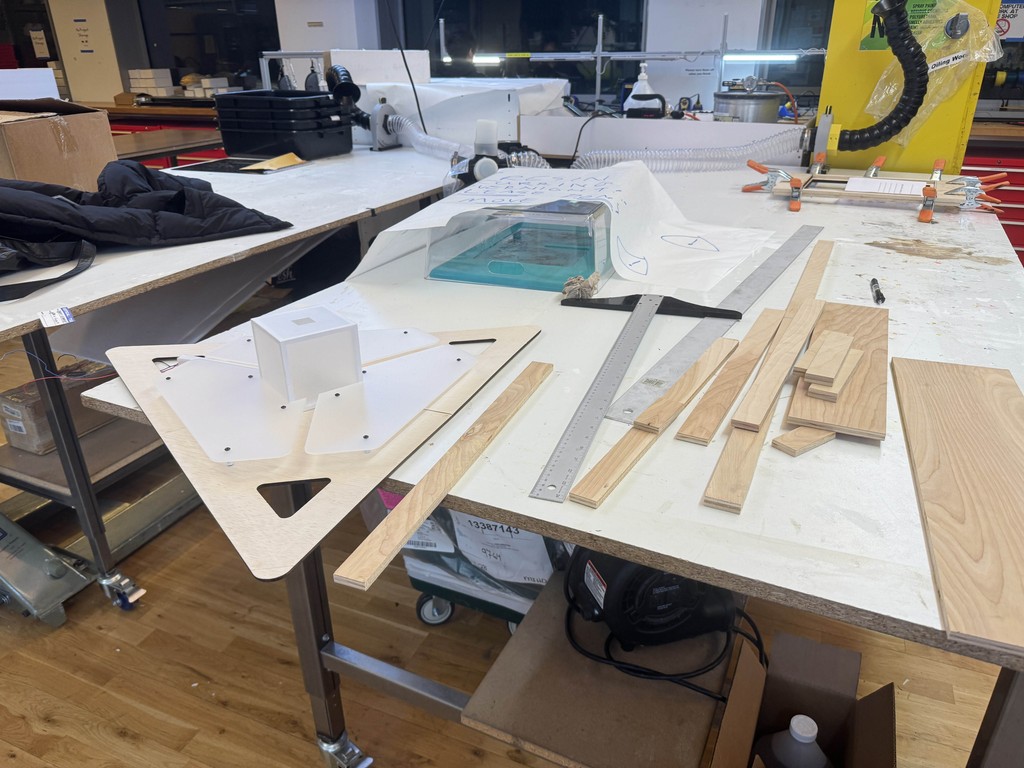
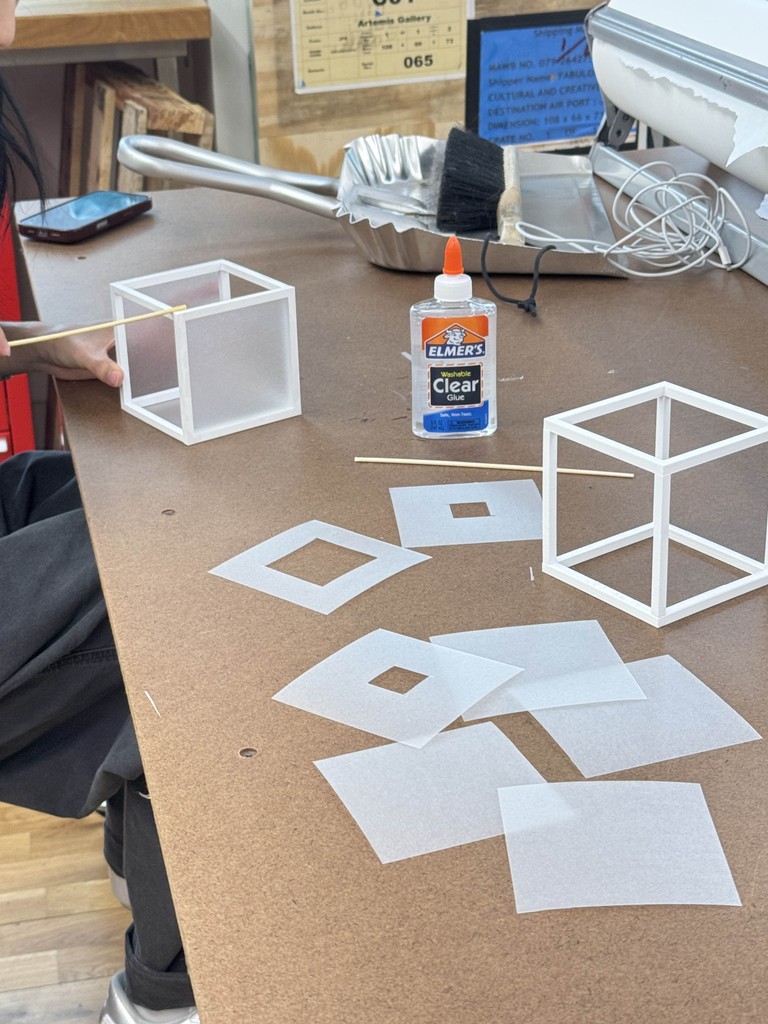
We first built a 3D model to check the dimension, overall balance, and the relative sizes. We then used carboard to build a rough prototype. After a couple of failed attempts, we had an exact template that we used to laser cut our frosted acrylic and wood panels.
3D MODELING
Lots of Youtube tutorials...
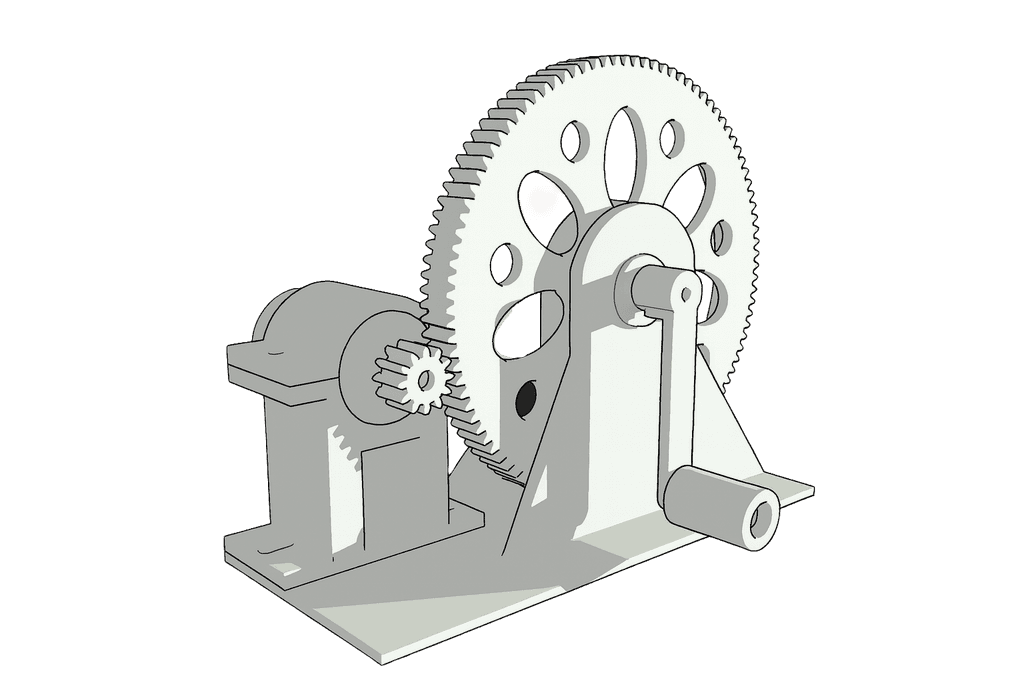
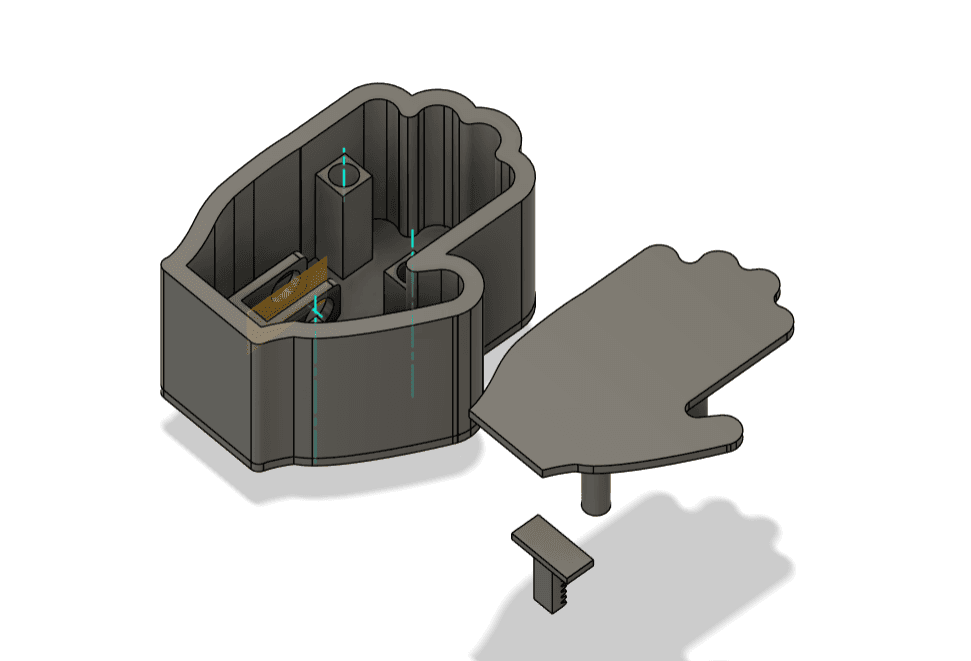
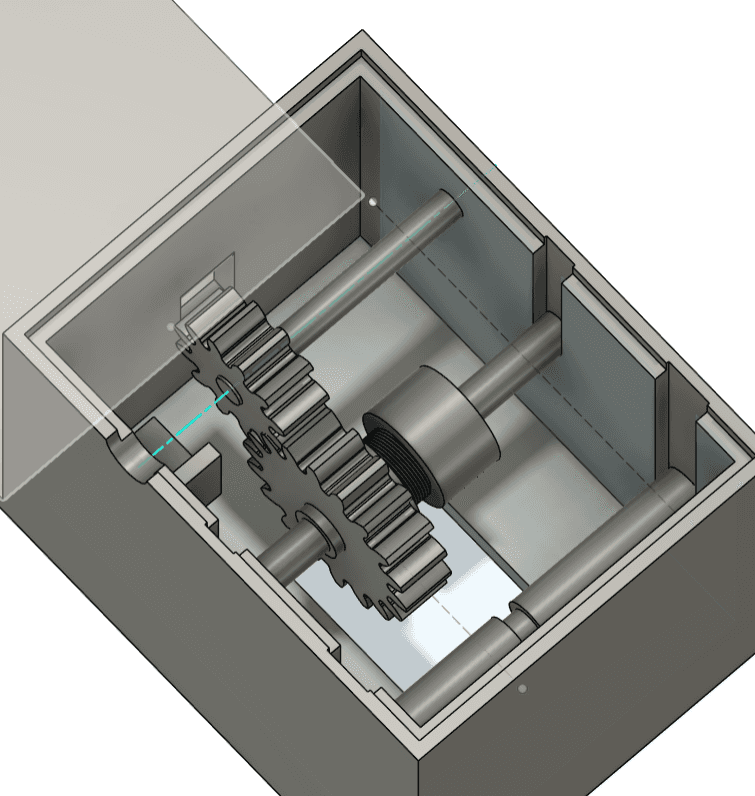
I learned and experimented with Fusion360 from scratch. We incorporated springs and rubber bands to create resistance for the hand-powered linear-to-rotational movement mechanism.
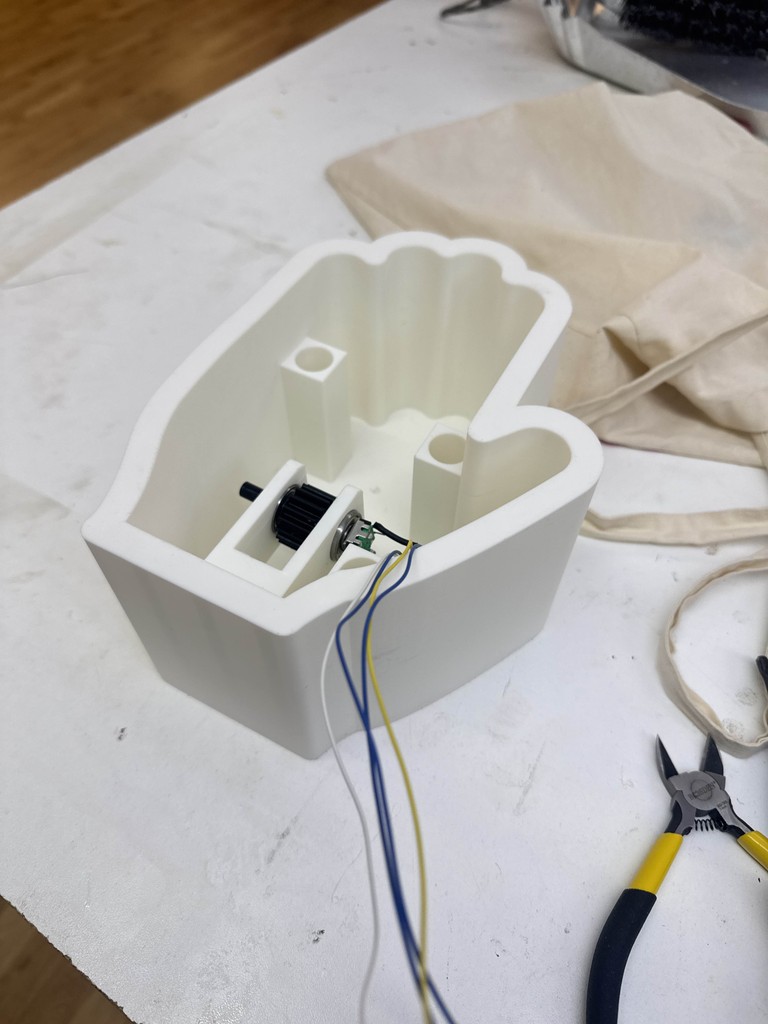
Process Photos
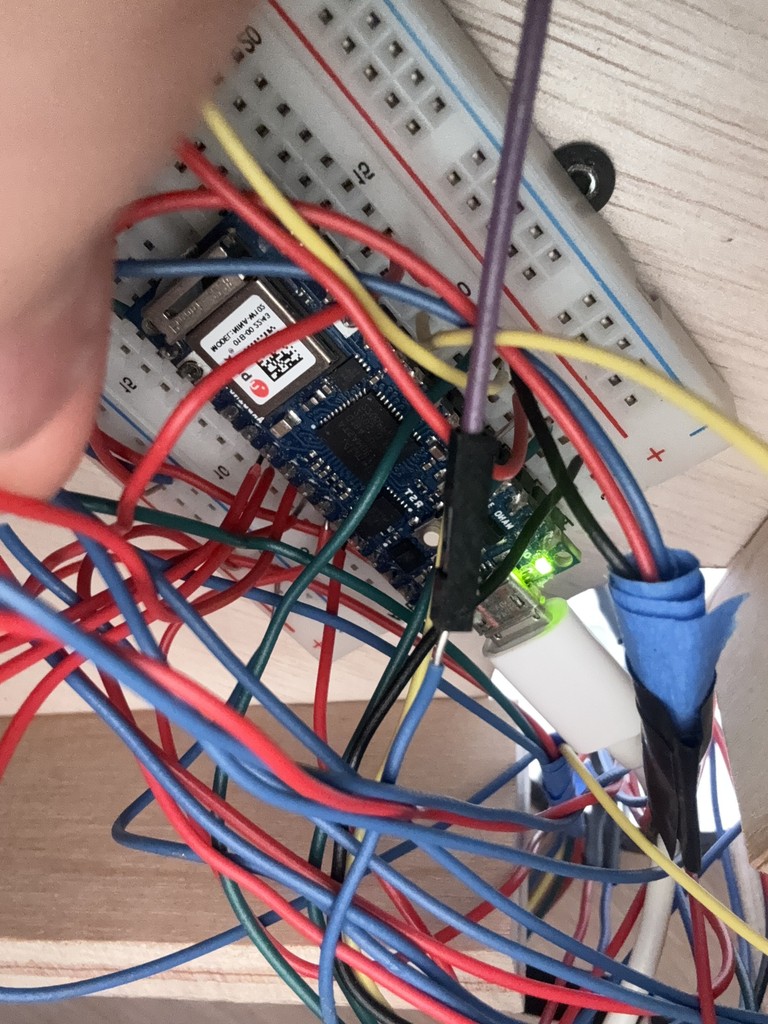
Arduino, wiring, rotary motors, and serial communication
INTERFACE
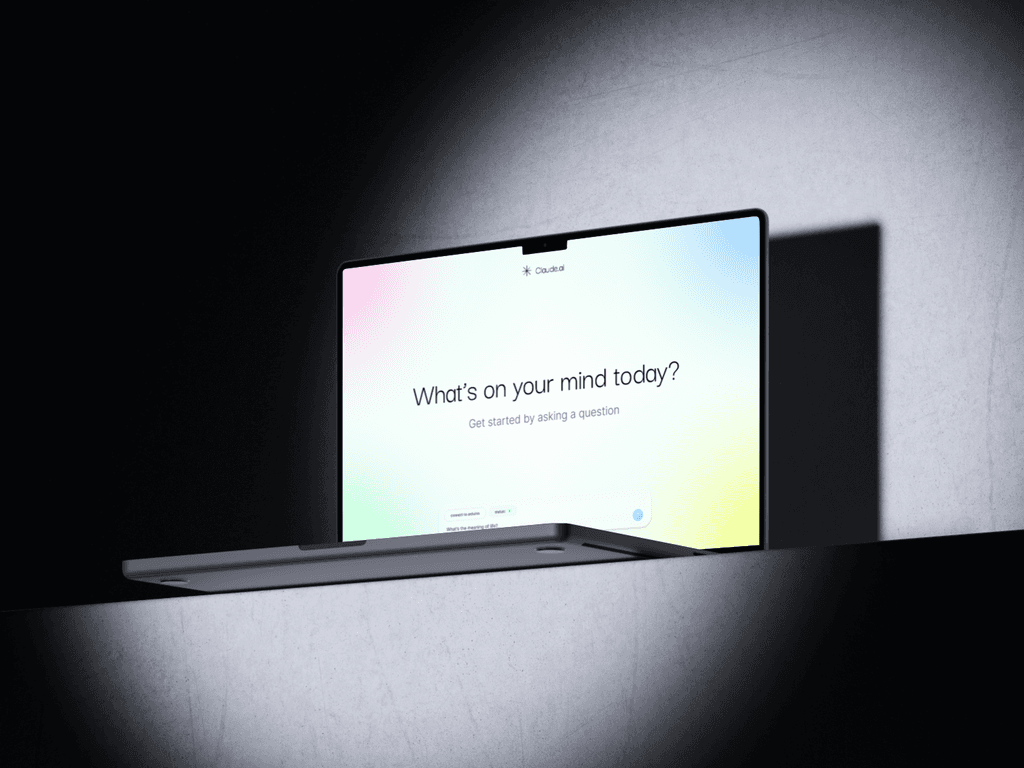
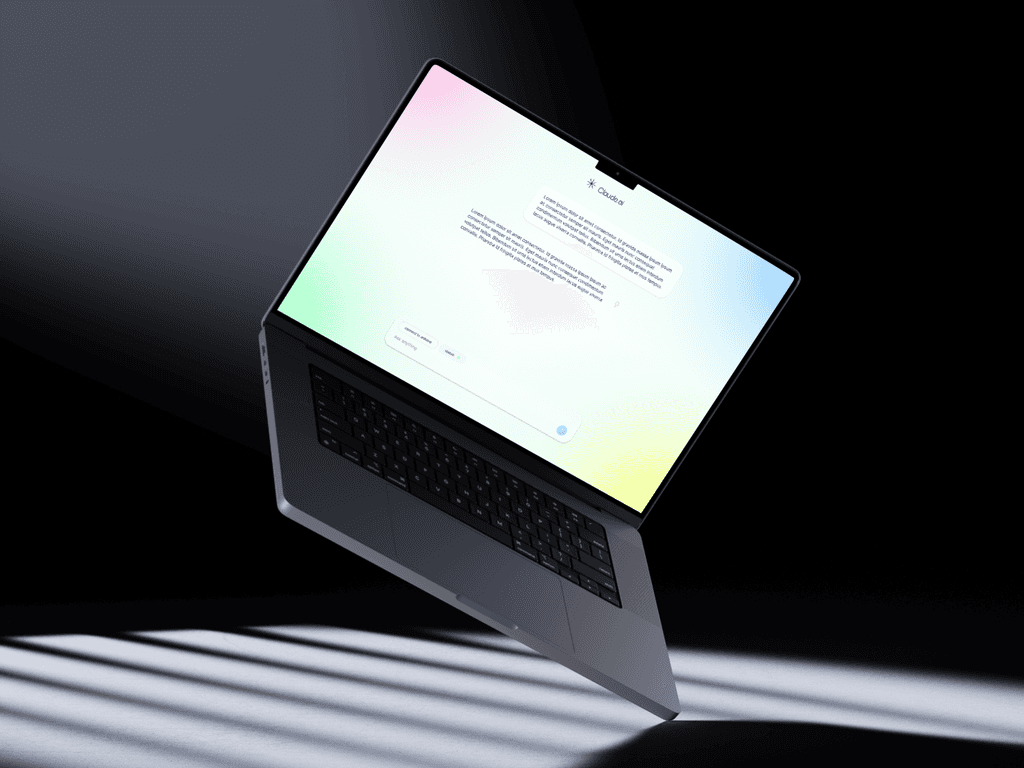
Building out the webpage/Clarus AI
Towards the end of the semester, we focused on designing the webpage. We took inspiration from existing AI tools, aiming for a clean UI while incorporating unique UX features such as a pop up for displaying the energy used to generate each response.
Final Documentation
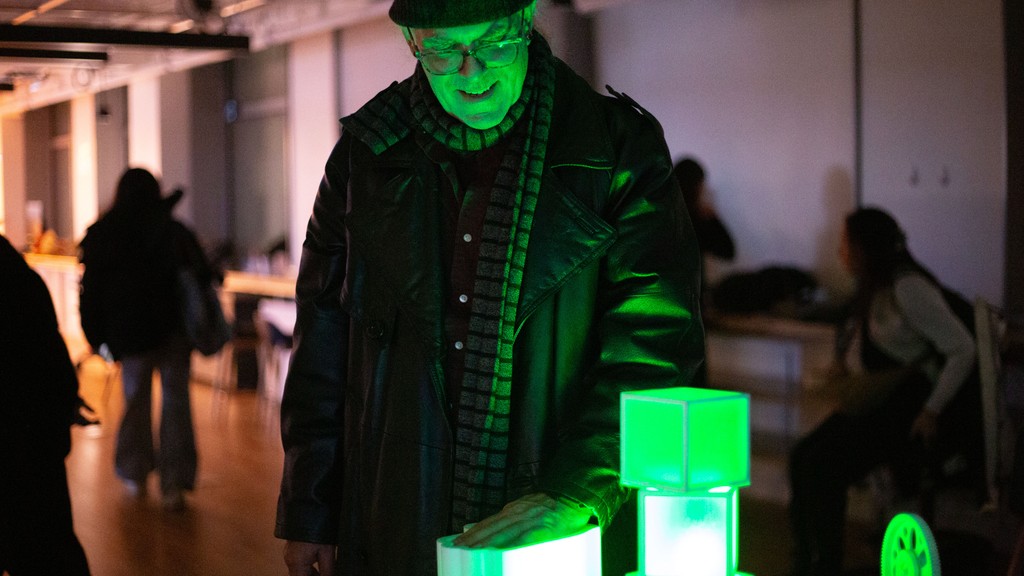
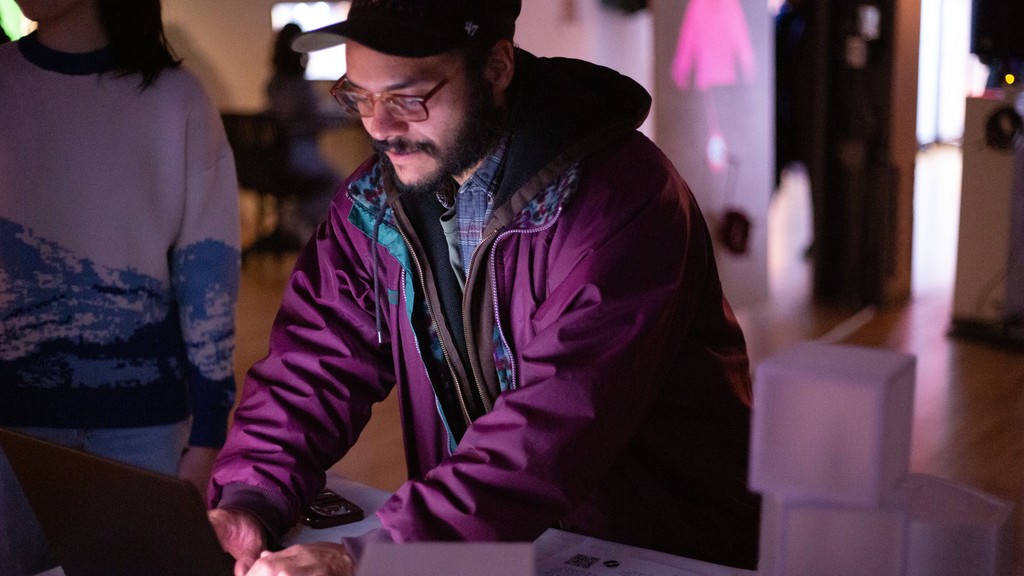
Presenting our project at IMA/ITP Winter Show 2026
The response was overwhelmingly positive. Many people appreciated how we made the audience feel like they were earning their energy in a fun way, which helped make a serious topic more accessible. We also received valuable suggestions for further improving the project.
Reflection
If we were to take things one step further…
We would want to improve the Clarus.ai interface, allowing users to relate "words generated" and "energy used" to more familiar units (e.g., equivalent to lighting a bulb for 5 seconds or running a car engine for X amount of time).
This project has been incredibly rewarding, teaching me the importance of prototyping and lo-fi testing when working on large-scale projects. A special thanks to my partner, Jiyoon, for showing me the value of collaboration and how great teamwork can elevate a project.
Thanks for reading!
Want to learn more? Curious about the details? Feel free to reach out to me at